

Screen time and edtech
usage data you can bring to the board
Securly Reveal shows how much time students spend on devices, what they do there, and which of the apps your district pays for are in use. It runs in the cloud and gathers usage data from every student device, so you can make smarter decisions based on that data.

"While I was talking to the superintendent, I said, 'Wouldn't it be great if we had real data around that?' That's when I learned about Reveal. All we had to do was turn it on."

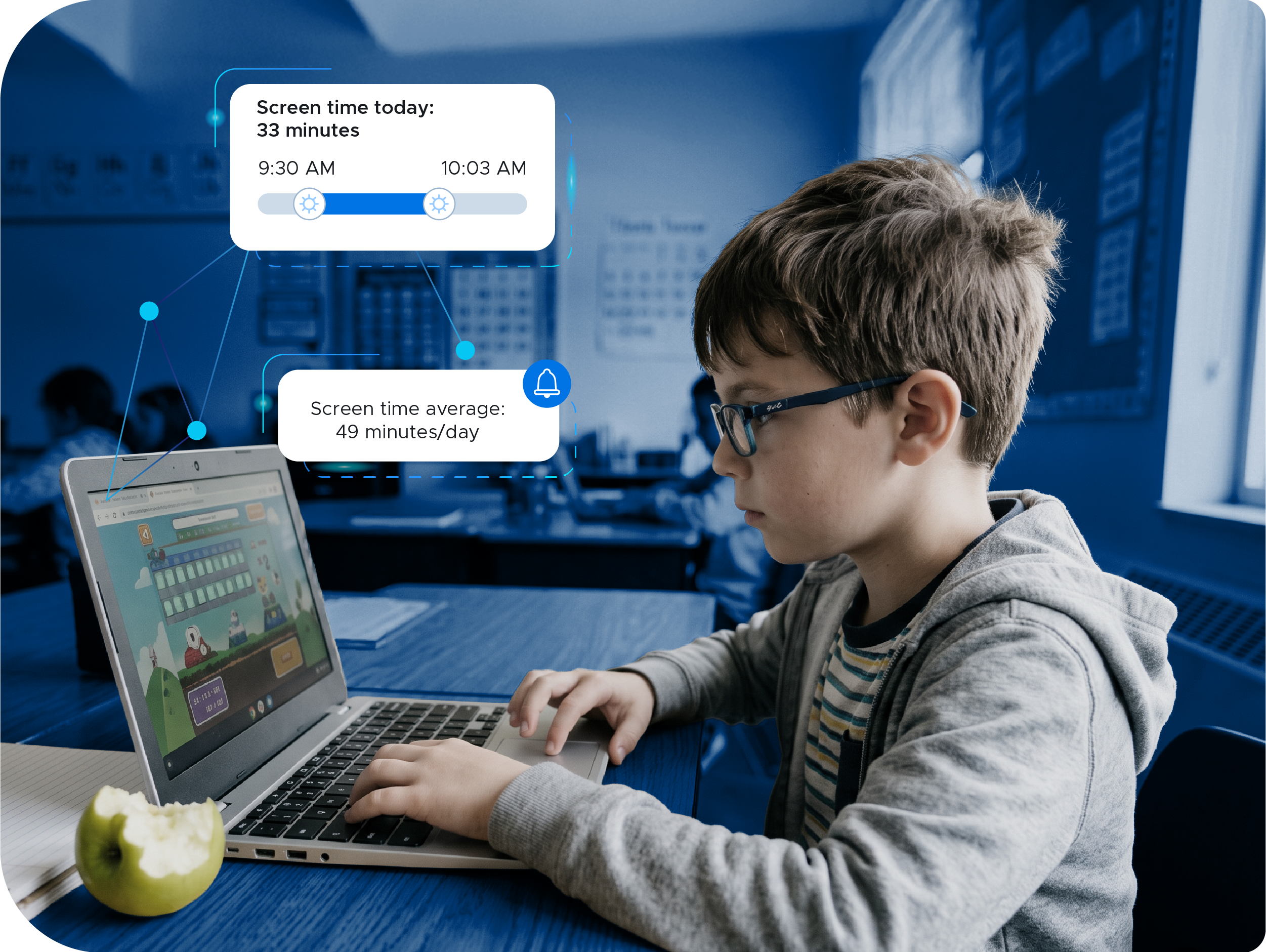
Answer the screen time question, then act on it
Average, median, and max screen time for every school and grade
Parents, boards, and state legislators are asking how much time students spend on screens, and most districts answer with an estimate. Reveal answers with data. Districts use Reveal’s insights to inform filter policy configuration, and circumvention data to enforce district AUPs.
Know what's used. Cut what's not.
Usage data for every edtech tool on your renewal list
Most districts pay for dozens of edtech tools and can name maybe a handful that teachers use with fidelity. Reveal shows which apps and websites students actually use, and how often. When renewal season comes around, you're negotiating with real data instead of a hunch.
Numbers that hold up in a board meeting
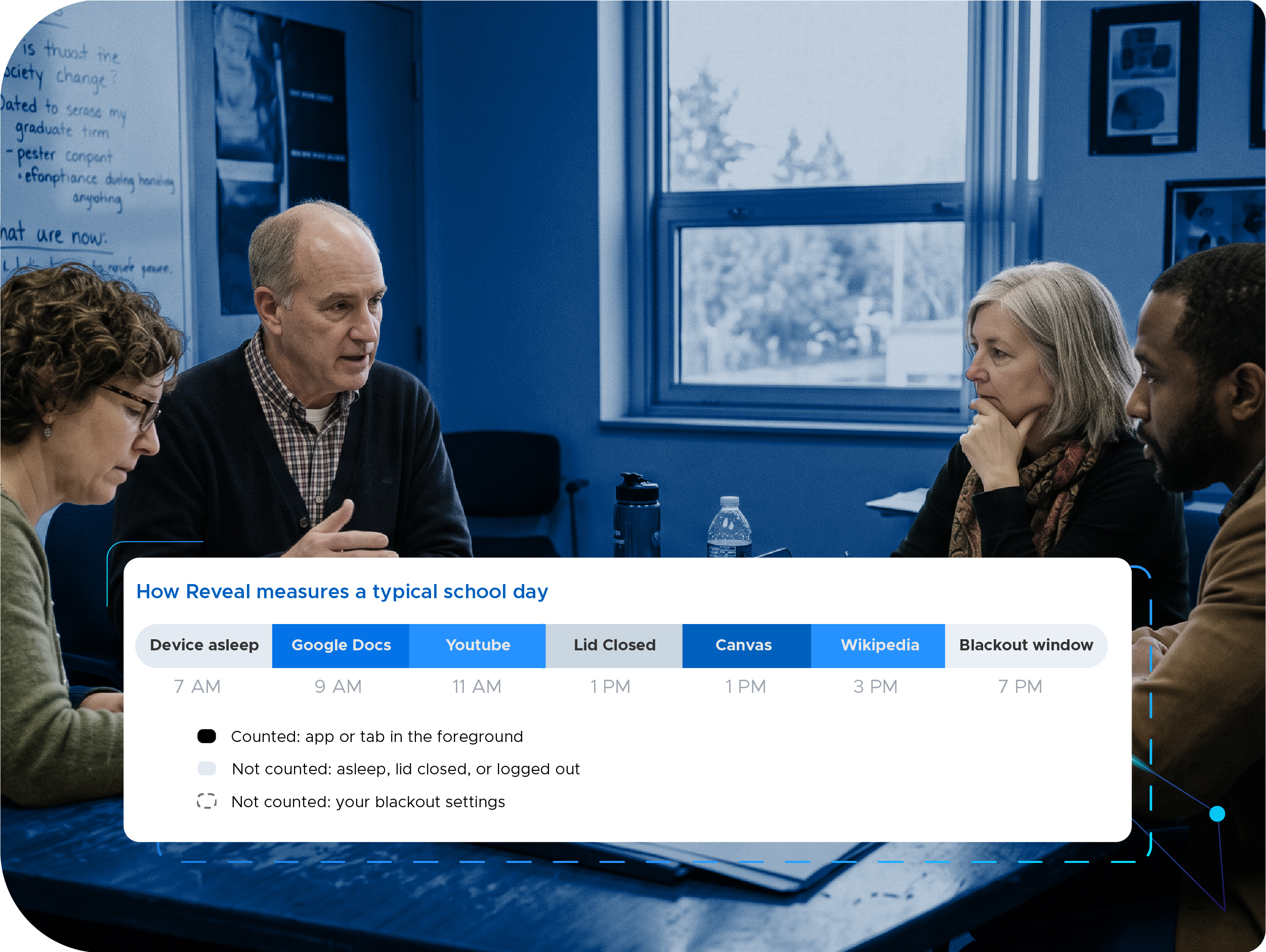
Active time only, with the metrics that matter
Screen time data falls apart when your methodology isn’t sound. Reveal counts time only when an app or tab is in focus, so idle sessions never inflate the total. Reporting includes median and max alongside the average, so you see the whole story at your fingertips.
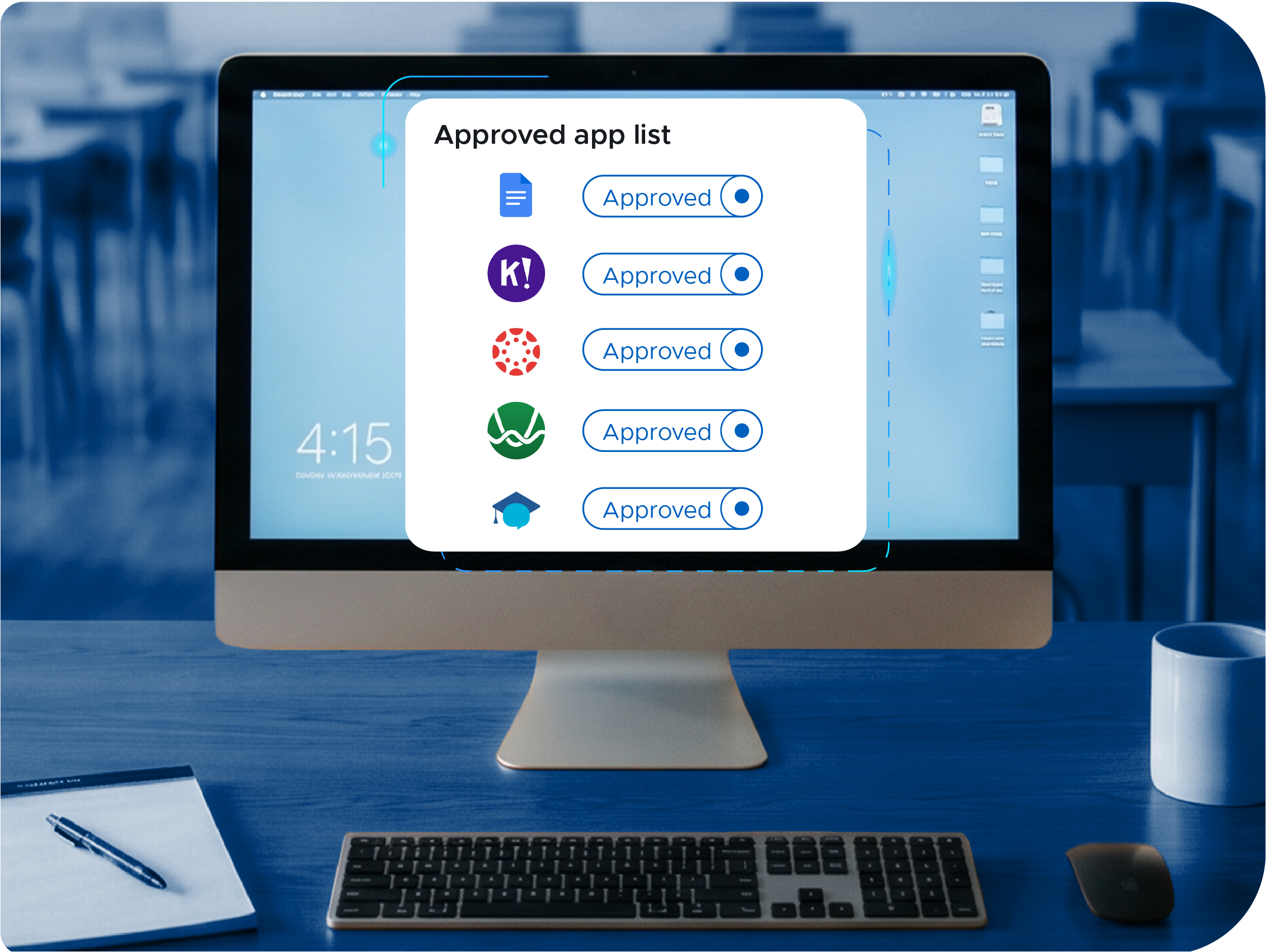
Publish your approved app list
Transparency for teachers and parents from the data you already have
Track every licensed app with its approval status, then automatically publish your approved list to a public page that teachers and parents can view, and update it as approvals change.
Everything you need to report on screen time and edtech usage
Built to give IT, curriculum, and finance teams the data they need to make smarter decisions.

Screen time analytics
Average, median, max, and top student screen time by district, school, and grade, with period-over-period trend.

App and website usage
See which apps and websites are in use, by whom, and how often.

Subscription management
Track approval status, license count, cost, and renewal date for every licensed app.

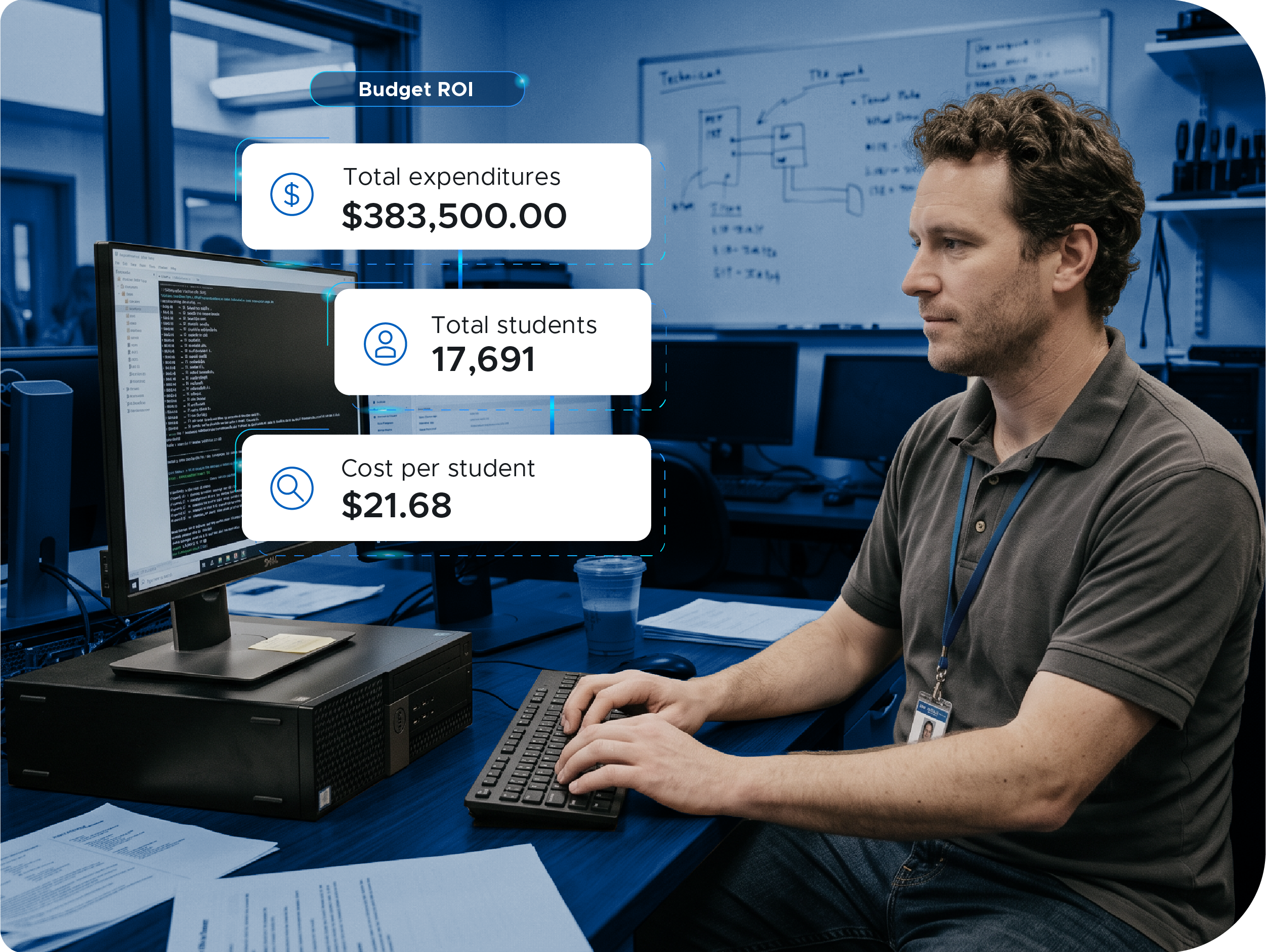
Budget ROI reporting
Compare purchased licenses against active use to see what is worth renewing and what is worth cutting.

Custom reports
Save the views you use, schedule them, and export for your board, CFO, curriculum, and procurement teams.

School hours collection
Limit data capture to the school day so out of school use never enters the metrics.

AI tool usage reporting
See which AI tools students use and how often.

Public app approval page
Publish your approved application list to a page teachers and parents can view.

Peer benchmarking
Compare your usage data against districts like yours.

Circumvention reporting
Surface student web filter circumvention attempts, integrated with Securly Filter.

Cross platform
Works on Chromebook, PC, and Mac, including mixed environments. iPad support is coming soon.

Cloud delivery
Cover an unlimited number of devices with no server and no impact on network performance.

SIS rostering
Integrates with PowerSchool, Infinite Campus, Skyward, and other student information systems for accurate class rostering.

Simple deployment
The import manager and pre-defined data templates get you running the same day.

Data security
Student information is stored as de-identified data and accessible only by the permissions set for each user role.

State reporting
Export the screen time reports that state requirements ask for.
What district leaders are saying

"You have to tell your story. If you don't tell it, other people are going to tell it for you. And it may be the wrong story, or a misconception that doesn't get the whole truth. Having the data actually made me feel more confident."
Get the data you need to tell your story
Securly Reveal shows how much time students spend on screens, what they do there, and which edtech tools are in use. Turn it on and the numbers start the same day.