
Bring accurate screen time numbers to your next board meeting
Securly Reveal shows how much time students spend on district devices and which apps and websites they use, broken out by school and grade.
Answers to the questions your board will ask
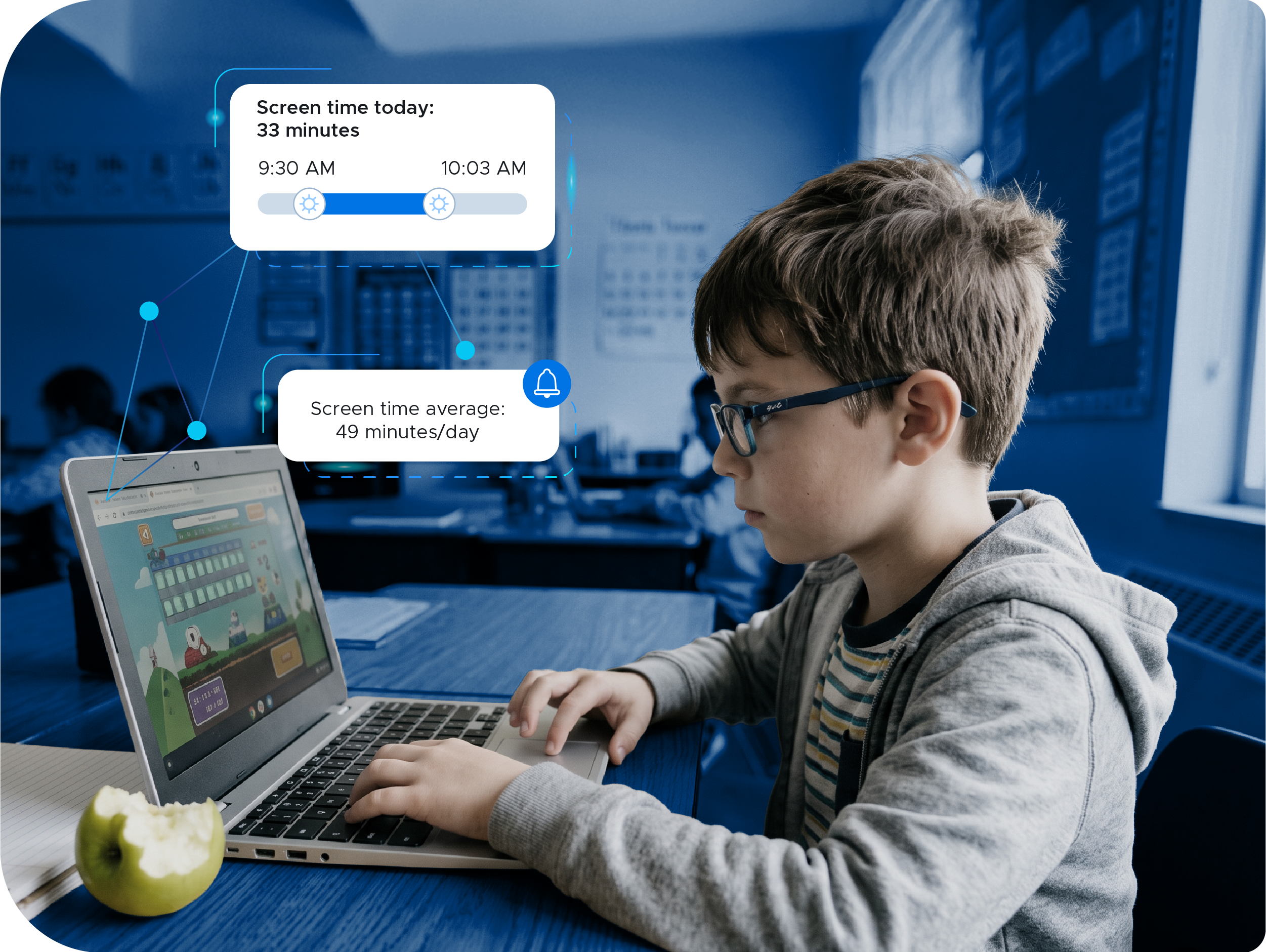
How much time do students spend on devices each day?
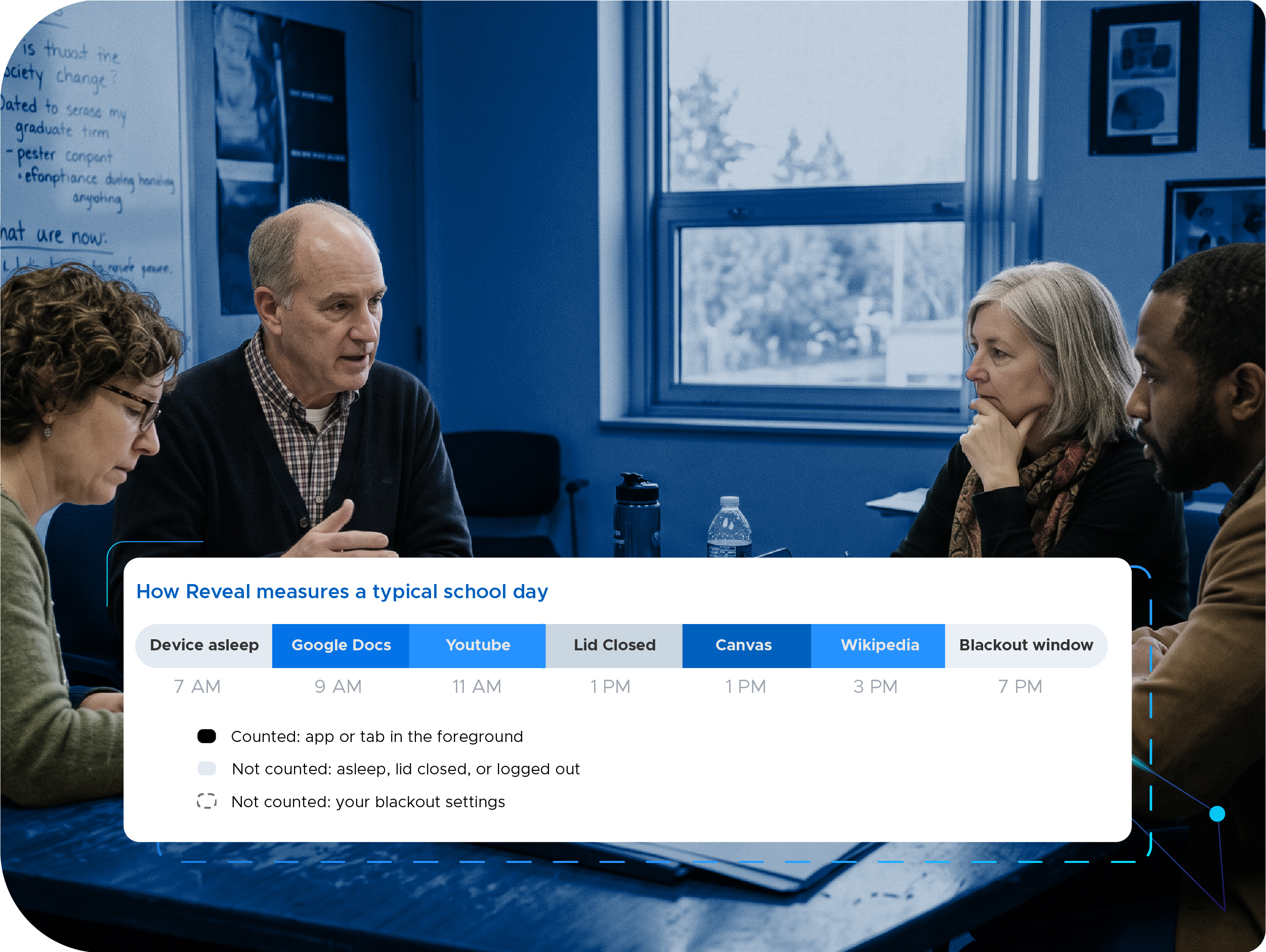
Reveal reports average daily screen time for the district, each school, and each grade, along with the highest individual student averages, and compares each reporting period with the one before. Time counts only for the active browser tab or app, and you can set collection hours for each school, so background tabs and evening use stay out of the total.
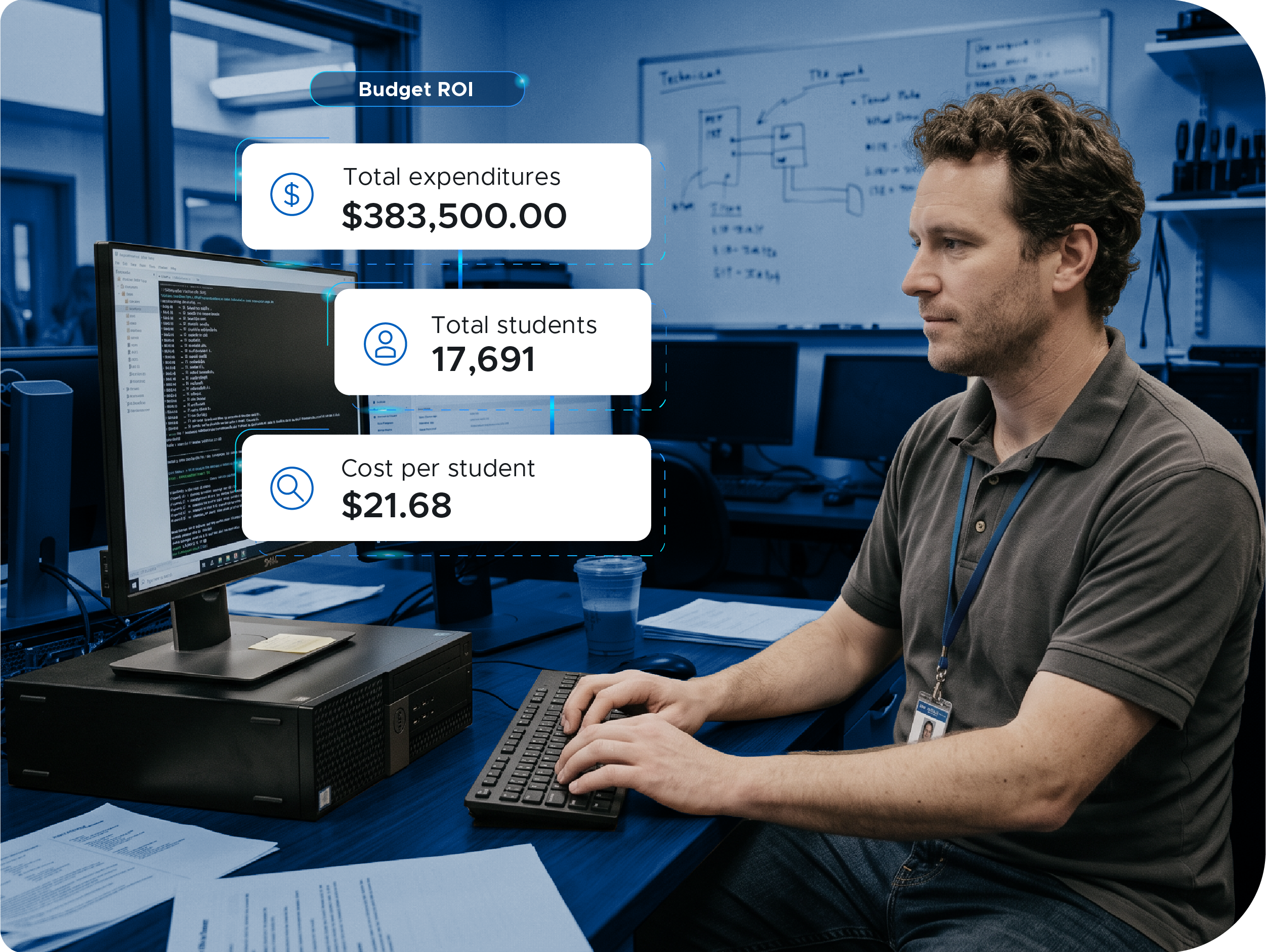
Are we paying for tools that go unused?
Record license counts, costs, and expiration dates for your edtech subscriptions and compare them with how much students use each tool, so renewal decisions start from data.
Which apps and websites are students using?
Reveal lists the websites and apps students use, AI tools included, with how many students use each one and how much time they spend on it. You can filter by school and look at any site or app by grade. When a parent asks what students do on their devices, you can name the specific platforms.
How one district brought its numbers to the board
Tahoe Truckee Unified is a 4,200-student district in California. When a parent asked for a fully screen-free track for his daughter, the CTO invited him and the superintendent to visit classrooms together, then started collecting data across all 11 schools with Reveal. Within two months, the district had enough data to present to its Board of Education.
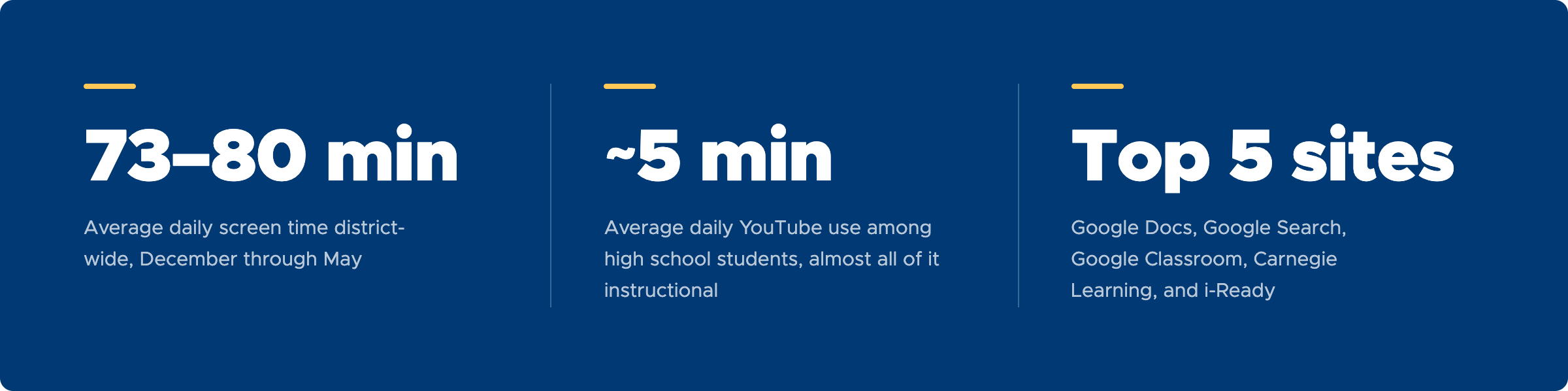
The parent came away proud of how the district uses technology. The district published its screen time data on a bilingual page for families and the community.

"You have to tell your story. If you don't tell it, other people are going to tell it for you. And it may be the wrong story, or a misconception that doesn't get the whole truth. Having the data actually made me feel more confident."

FAQs

"While I was talking to the superintendent, I said, 'Wouldn't it be great if we had real data around that?' That's when I saw Securly has Reveal. All we had to do was turn it on."
Edward HiltonChief Technology Officer, Tahoe Truckee USD, California

is the edtech analytics platform that
- uncovers student app usage insights
- answers the screen time question
- helps you make smarter budget decisions
- captures accurate app and website usage data
- surfaces screen time and app usage trends


If it would help, we can walk you through what Reveal would show for your district and what you could bring to your next board meeting.
If you'd like to hear how another district handled it, Tammy, Securly's CEO, can introduce you to a leader from a district your size.